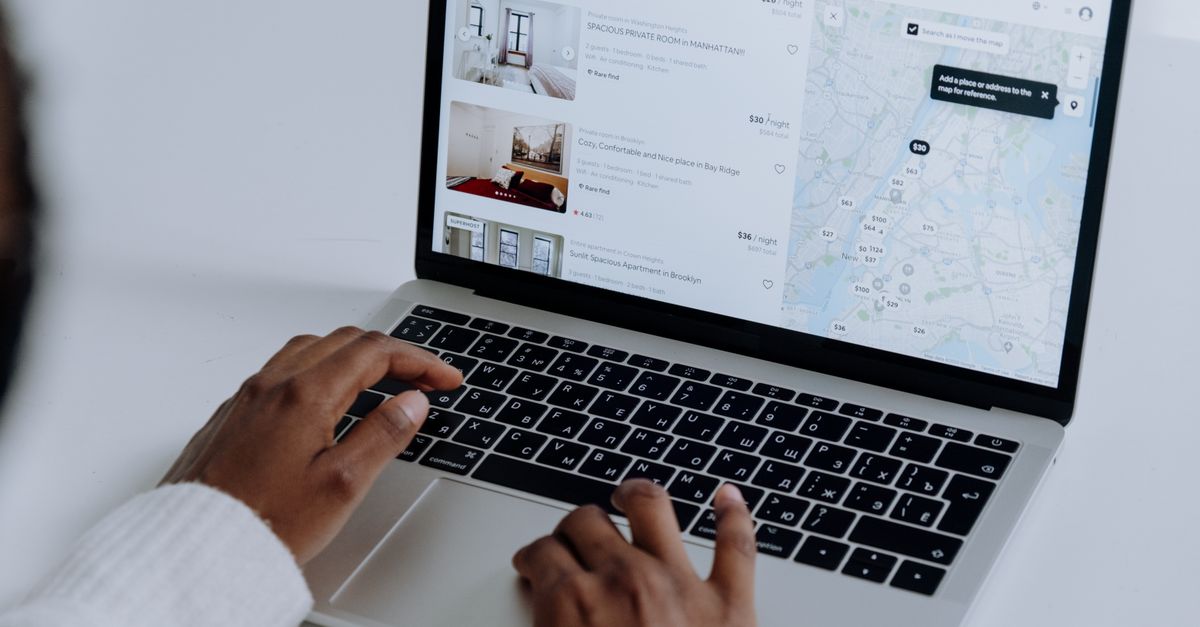
A booking link can be visible and still be hard to use. Visitors may see the button but not know whether it matches their need, what happens after clicking, or whether the business serves their location, budget, or timing. The goal is not to make the button louder; it is to make the path from interest to booking feel obvious.
For a small business website, the booking path usually crosses several fragile points: homepage promise, service page copy, mobile header, contact page, scheduling tool, confirmation message, and analytics. One broken step can make the link look like the problem when the real issue is hesitation earlier in the path.
Trace The Visitor From Need To Click
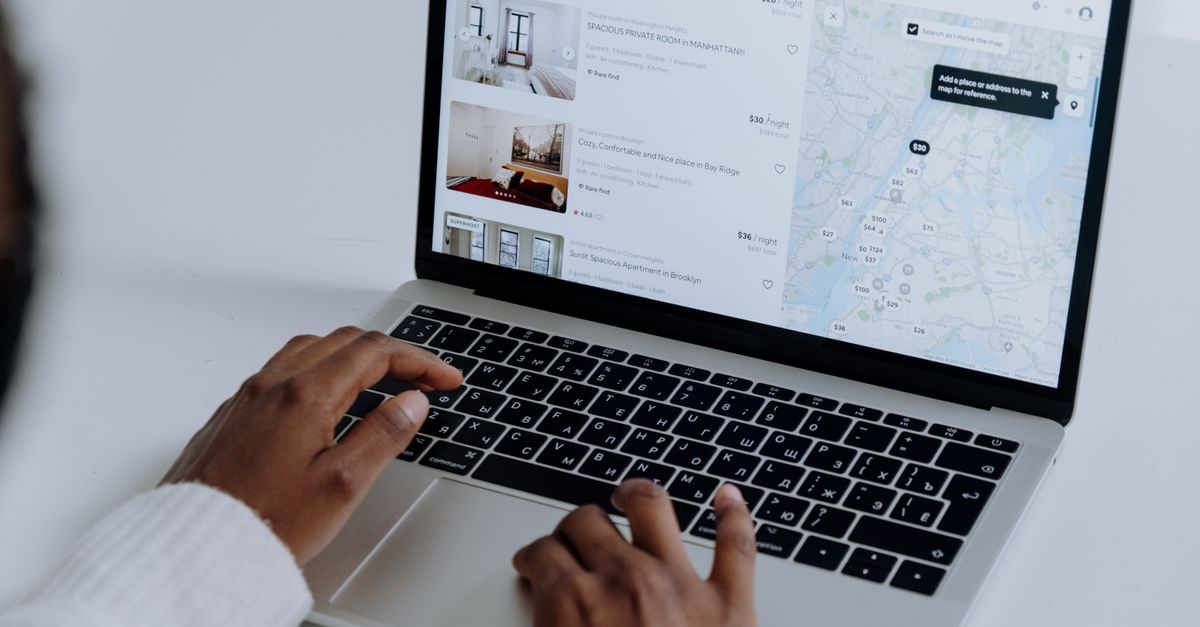
Pick one visitor scenario and follow it on a phone. A parent looking for tutoring, a homeowner comparing repair quotes, or a client booking a consultation will not read the site like its owner does. They scan for fit, proof, price clues, location, availability, and a low-risk next step. The booking link should appear after enough context to make the click feel safe.
Do not audit only the homepage. Check the service page where intent is strongest, the contact page where cautious visitors go next, and the footer where returning visitors look for practical details. If the booking link appears in only one place, it may be technically present but functionally hidden.
Booking Link Path Audit For A Real Visitor
Use this audit before changing colors or installing another plugin. The table separates visibility from confidence and handoff quality. A link that passes all three is much more likely to be used.
| Path point | Question to answer | Better fix |
|---|---|---|
| Before the click | Does the visitor know what they are booking and for whom it is suitable? | Add nearby service fit, location, duration, or starting-price context |
| At the click | Is the booking action visible on mobile without covering content? | Place a clear button after the service promise and in the mobile navigation |
| After the click | Does the visitor get confirmation and know what happens next? | Check scheduling-tool message, email delivery, and analytics event tracking |
A worked example: a massage therapist has a Book Now button in the header, but mobile visitors arriving on a deep service page do not know session length or location. Moving a secondary booking link below the service details and adding a two-line confirmation of location, duration, and next step may improve the path more than changing the header button color.
Check The Handoff To The Booking Tool
The booking tool is part of the page experience. Test whether the selected service carries through, whether time zones are clear, whether required fields make sense, and whether cancellation or preparation notes appear before confirmation. Google’s Analytics help center is a useful outside reference when the site owner needs to verify whether booking clicks and confirmations are actually being measured.
Also check privacy, accessibility, and mobile behavior. A sticky button should not cover form fields. A third-party scheduler should be keyboard usable enough for the audience. Tracking should respect consent and the site’s legal context. Those details determine whether a booking link is merely present or genuinely usable.
Connect Booking To The Contact Page
Some visitors are not ready to book but are ready to ask. Link this audit with Contact Page Fixes That Help Real Customers Reach You so the booking path and contact path support each other. A hesitant visitor should not have to choose between a hard booking commitment and leaving the site.
The Small Fix To Ship First
Ship the smallest change that removes a real hesitation: add service context near the link, place the link where mobile visitors naturally finish reading, or repair the confirmation message. Then measure booking clicks and completed bookings separately. The path is working when more visitors understand the next step before they click, not only when the button is easier to spot.
1 response