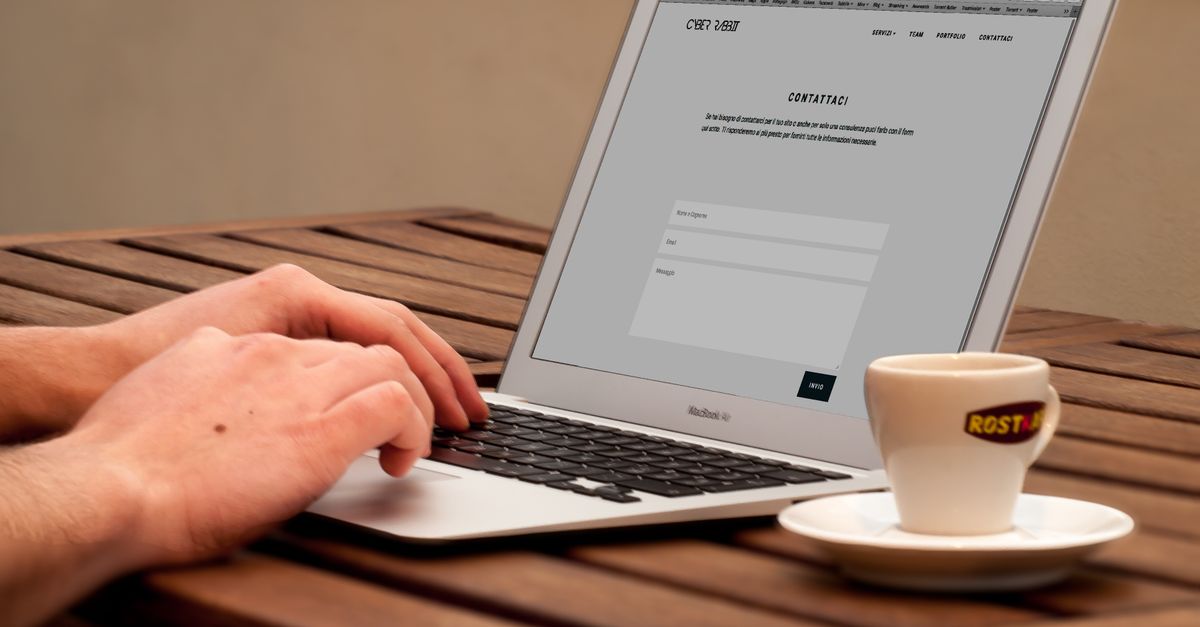
A contact page is not just a form at the end of a website. It is the moment where a visitor decides whether reaching the business feels easy enough, trustworthy enough, and worth the effort. Small friction here can waste all the work that brought the visitor to the site.
Good contact page fixes make the next step obvious: what to send, how long a reply normally takes, whether phone or email is available, what happens after submission, and what to do if the form fails. The page should lower hesitation rather than demand patience from a nearly-ready customer.

Make The Contact Path Obvious Before The Form
The page needs a short answer before any field appears. Tell visitors what the business can help with, who the form is for, and what information makes a useful first message. A one-sentence expectation often does more than a large hero image or another row of icons.
Place the primary contact method where a mobile visitor can find it quickly. If the business prefers the form, make the form prominent. If calls are welcome, show the number with hours. If email is the backup, say so plainly instead of hiding it in tiny footer text.
Contact Page Friction Audit
Use this audit while looking at the live page on a phone. The goal is to find the point where a reasonable customer might hesitate, abandon the page, or send a weaker message because the page asked for too much too soon.
| Friction point | What to check | Better fix |
|---|---|---|
| Too many fields | Which fields are truly needed to reply or route the request? | Remove optional fields or move them after the first response. |
| Unclear response time | Does the visitor know when to expect a reply? | Add a realistic response window near the submit button. |
| Weak fallback path | What happens if the form fails or the visitor hates forms? | Show a phone, email, booking link, or alternate route where appropriate. |
| Trust gap | Does the page explain privacy, service area, or inquiry fit? | Add a small reassurance without turning the page into a policy document. |
Test Delivery Like A Customer
A contact form can look fine while messages disappear into spam, a stale inbox, or an integration that broke after a plugin update. Test it from outside the admin account, on mobile data if possible, and confirm both the business notification and the visitor confirmation.
Save the test result: date, device, email address used, where the notification arrived, and whether the confirmation made sense. That small log turns a vague “the form works” claim into evidence the next person can verify.
Reduce Fields Before Adding Trust Badges
Trust is not only a badge, review snippet, or certification logo. It is also the feeling that the page respects the visitor. Asking for budget, address, phone, company size, and a long message before a basic reply may create more doubt than confidence.
Keep required fields minimal unless the business truly needs more to respond. Name, reply method, and message are often enough for a first contact. If a service area, appointment type, or project category matters, use it only when it improves routing rather than curiosity.
Keep Accessibility And Measurement In The Background
Form labels, keyboard focus, contrast, error messages, and clear instructions affect whether people can actually use the page. The W3C Web Accessibility Initiative WCAG overview is a useful reference point when a form redesign touches usability, labels, and error handling.
Analytics can help reveal whether visitors reach the contact page and then leave, but measurement should not make the page heavier. Google explains Analytics dimensions and metrics; use that vocabulary to track useful events, not to justify intrusive scripts or distracting pop-ups.
Connect Contact Fixes To The Rest Of The Site
A contact page works better when the pages before it set up the right expectation. Moo My Site has adjacent guides on making a homepage less awkward and a simple analytics checklist. Use those to check whether the promise before the contact page matches the message you ask visitors to send.
The best contact page fix is the one that makes a real inquiry easier today: fewer unnecessary fields, a tested delivery path, a visible fallback, a clear response expectation, and enough trust cues that the visitor does not have to guess what happens next.