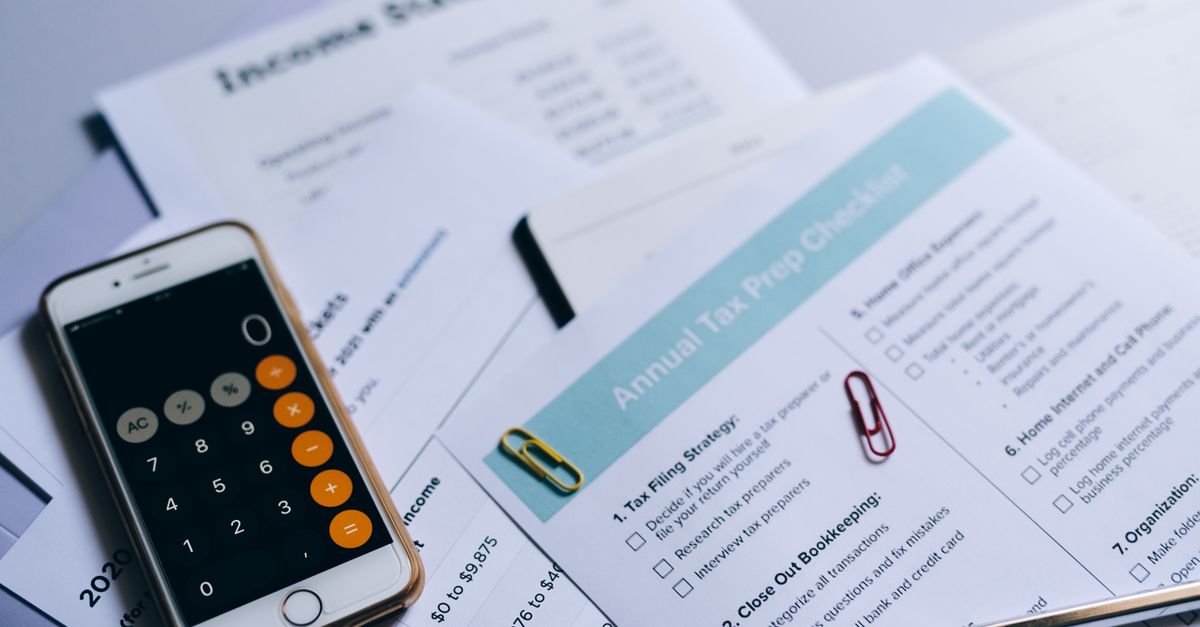
People search for a website audit checklist PDF because they want something they can print, tick off with a pen, and hand to another human. That instinct is right. A checklist you can hold survives interruptions, works in a browser-independent way, and produces a written artifact at the end — a page of ticks and crosses that is worth more than a vague feeling that the site “needs work”. This article is about the artifact itself: what rows a printable checklist needs, how to run one in under an hour, and what to do with the page of results. If you want the full diagnostic method behind the rows, our site audit checklist walks it step by step; this page deliberately stays on the printable version and the run itself.
Why Print Beats Screen For A First Audit
On screen, auditing your own site is an exercise in self-deception. You start in a tab with the site, open a checklist in another tab, and within minutes you are “checking” the homepage while actually editing a headline, reordering a menu, and reading a notification. The pen removes the temptation: printed rows can only be ticked or crossed, and a cross on paper demands a written note, which is precisely where findings become actions. There is also a handoff benefit. A crossed paper sheet scans into an email that a freelancer, agency, or employee can act on without a meeting, and the ticked sheet from last quarter becomes the baseline for this one.
One honest limitation: a PDF checklist is for functional audits, not technical deep dives. It will catch the broken form, the missing page title, and the phone number that only lives in an image. It will not catch render-blocking scripts, crawl budget problems, or structured data errors — those need tooling, starting with a free lab run at web.dev’s Core Web Vitals guidance and the diagnostics in Google Search Central. Print for the human-facing leaks; tool for the machine-facing ones.
The Rows A Small Business Checklist Needs
A printable audit of a small business website needs between twelve and twenty rows. Fewer misses real leaks; more never gets finished. The rows below are the set we keep returning to, grouped so one person can run the whole sheet in a single sitting.
| Group | Rows to include | The question each row asks |
|---|---|---|
| Identity | Title tag, homepage promise, footer identity | Can a first-time visitor say what you do and where you are in five seconds? |
| Contact path | Form test, phone click, email link, map | Does every contact method actually reach a human this week? |
| Service pages | One page per service, price signals, next step | Does each service page end by telling the reader what to do? |
| Mobile | Readability, tap targets, sticky elements | Is the site usable one-handed on a mid-range phone? |
| Speed feel | Load feel on mobile data, image weight | Does the page feel ready before the reader loses patience? |
| Trust | Proof points, fresh dates, HTTPS | Is there any reason to believe the business is alive and competent? |
| Measurement | Analytics present, key events firing | Would you know within a week if traffic or enquiries dropped? |
Notice what is not on the sheet: no scores out of a hundred, no letter grades, no “SEO health” single number. Those compress twenty different problems into one meaningless figure. A checklist exists to produce a list of crosses, and each cross should be one sentence long.
A Worked Run: One Site, 45 Minutes, Three Crosses
Here is the sheet in action on a typical small business site — a two-person service business, five main pages, last redesigned three years ago. The runner works top to bottom with a phone in hand, ticking on paper. Identity rows pass. The contact-path group produces the first cross: the contact form submits with a green success message, but the notification email has been landing in a folder nobody monitors since a mailbox change in spring — the row catches it because the sheet demands a reply test, not a send test. Cross two appears in the service group: the business’s most profitable service has no page of its own, only a paragraph on the homepage, so it can never rank and never gives a visitor the detail they need to buy. Cross three is in trust: the newest dated proof point on the site is two years old, which quietly tells every visitor that the best work happened in the past.
Total elapsed time: 45 minutes, including the coffee. Total output: three written findings, each one sentence long, each assignable to a named person with an afternoon of work. That is the entire economics of the printable checklist — a sitting that costs under an hour and surfaces the three leaks most worth fixing first. The runner did not need software, access to analytics, or anyone’s password beyond their own email.
From Crosses To Fixes Without The Drama
The page of results is where most audit efforts quietly die, so the rules matter. First, the one-leak rule: pick the single cross that most plausibly loses you money this month and fix it before touching anything else. A contact form feeding an unread folder beats every other finding on the sheet, because it deletes real enquiries weekly. Second, assign every remaining cross to a person and a date, or delete it deliberately. A finding with no owner is not a finding; it is wallpaper. Third, re-run the same sheet next quarter against the same printed baseline. Audits that change their questions every time cannot show progress, and the psychological payoff of watching crosses turn to ticks is what keeps the habit alive.
One more rule, and it saves people money: a cross is not automatically a redesign. “The site looks dated” is not a row on this sheet, because dated is a taste judgment. If a full quarter of runs keeps surfacing structural crosses — pages that cannot exist without developer help, a platform that cannot take bookings — those crosses collectively are the business case for a rebuild, priced and justified in writing. Until then, the printable sheet and an afternoon a quarter is the cheaper instrument.
Print It, Run It, File It
The point of the PDF format was never the file. It is the discipline: a fixed set of rows, a pen, a timer, and a filed page that shows next quarter what this quarter fixed. Build your sheet from the row groups above, run it this week on your own site, and keep the first scored page — it is the baseline every later audit will be measured against. When the crosses start repeating instead of clearing, come back to the full audit method for the deeper diagnostic pass.